
I used to drive to every call. Every single one. Then I would burn two hours building a bid for someone who was never going to hire me, because they wanted a champagne kitchen on a beer budget or they were collecting a fifth quote just to beat down the contractor they had already picked. That is the lead a good intake form filters out before you ever leave the shop.
A client intake form template is the cheapest insurance you can put on your time. Five minutes of questions saves you a wasted afternoon and a half-baked estimate.
Quick Answer: What a Client Intake Form Template Is
A contractor client intake form template is a standard set of questions you ask every new lead before you bid the job. It captures contact info, property details, project scope, budget range, timeline, and who actually makes the decision. Used right, it tells you in about five minutes whether a lead is worth a site visit, and it hands you the details you need to price the work accurately the first time.
Think of it as the front door to your whole estimating process. Garbage in, garbage out. If you skip the questions, your estimate is a guess.
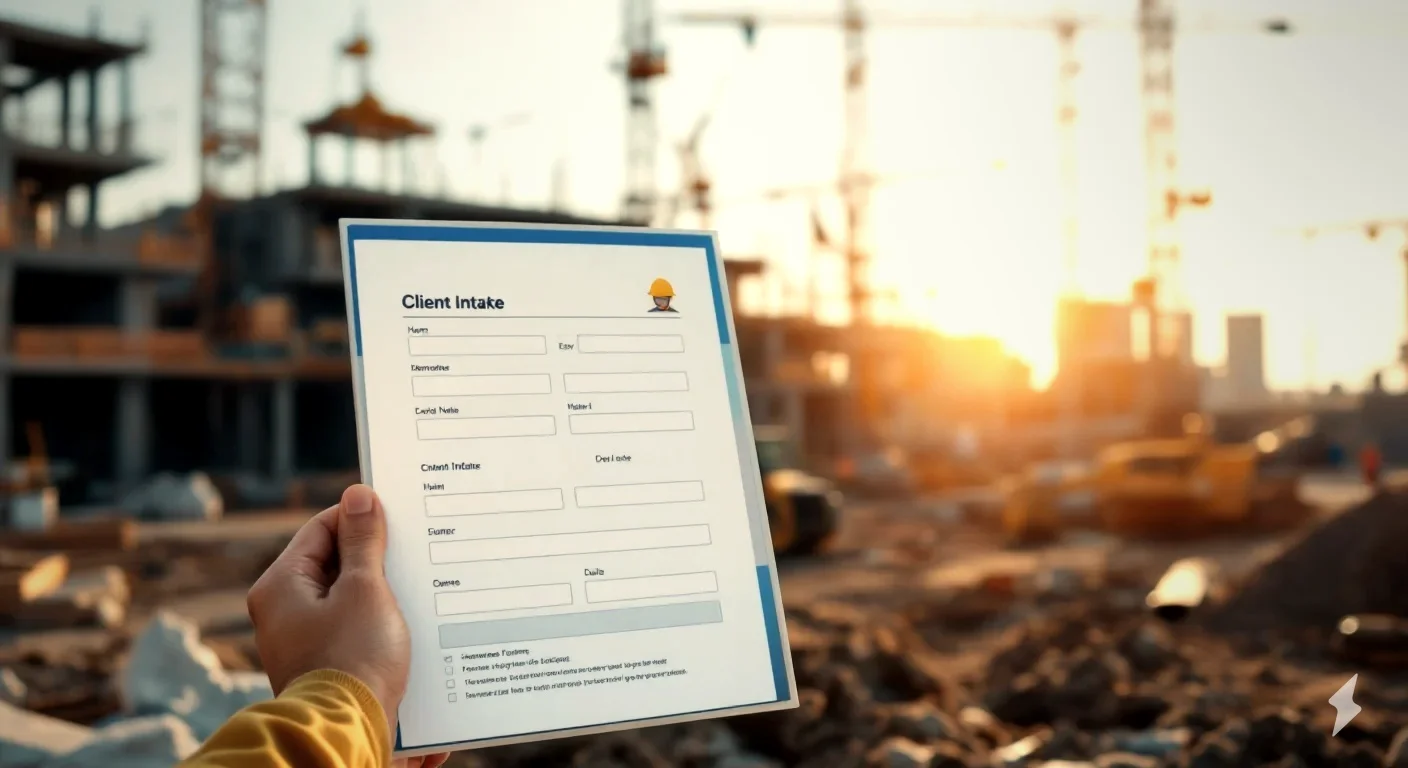
Download the free contractor client intake form template (fill it in on the call, then print it or save it as a PDF for the job file).
Rather not chase paper at all? Try EstimationPro free and turn a recorded walkthrough straight into a structured estimate, with the gaps flagged for you.
Why the Form Pays for Itself
Most contractors I know qualify leads in their head. They wing the phone call, drive out, and figure it out on site. That works until you are busy. When the phone is ringing and you have three jobs running, the leads you fail to screen are the ones that eat your week.
Here is what a written intake does that a mental one does not:
- It kills dead leads early. Budget question on the phone. No fit, no drive.
- It builds a better estimate. Year built, square footage, who supplies materials. All of it changes the number.
- It records the scope in the client’s own words. That is your reference when they ask for “one more thing” later.
- It makes you look like a pro. A contractor who asks the right questions reads as organized, and organized wins trust.
According to the National Association of Home Builders, remodeling demand stays strongest among existing homeowners updating older houses, and older houses are exactly where hidden scope hides. The intake form is where you catch the clues. A 1985 build with the original panel is a different bid than a 2015 flip, and you want to know that before you quote.
The Seven Sections Every Intake Form Needs
You do not need 40 fields. You need the right ones. These are the seven blocks on the template, and what each one is really asking.
1. Contact information
Name, phone, email, best time to reach, and how they found you. That last one matters more than people think. It tells you which marketing actually works so you stop wasting money on the channels that do not.
2. Property details
Job site address, year built, square footage, property type, and whether they own or rent. Renters and HOA situations add approval steps that can stall a job for weeks. Better to know now.
3. Project scope
What they want done, in their words, plus must-haves versus nice-to-haves. Write it the way they say it. This box is your defense against scope creep, and it feeds straight into a clean scope of work once the job is real.
4. Budget and timeline
The budget range is the question most contractors are scared to ask. Ask it anyway. A simple checklist of ranges (under $10k, $10k to $25k, $25k to $50k, and up) gets you an answer without making it awkward. Pair it with the desired start date and how firm that date is.
5. Decision and competition
Who signs off, are they getting other bids, and how soon are they deciding. A lead getting five bids and deciding in three months is a different priority than a homeowner with one quote who wants to start next week.
6. Access and logistics
Gate codes, parking, pets, whether the home is occupied during work, and whether a permit is likely. Small stuff. Until your crew drives 40 minutes and cannot get in.
7. Notes and next step
A blank box for anything that does not fit a field, plus a clear next action: schedule a site visit, send the estimate by a date, follow up, or pass. Always leave the call with a next step.
Phone Screen vs. Site Walk-Through: What to Ask When
You do not capture everything in one shot. The phone call qualifies. The walk-through measures and confirms. Here is how the same form splits across both.
| Section | Phone Screen | Site Walk-Through |
|---|---|---|
| Contact info | Full | Confirm only |
| Property basics | Address, type, age | Verify, add square footage |
| Scope | Rough, in their words | Detailed, room by room |
| Budget | Range, financing | Confirm against scope |
| Decision makers | Who and how many bids | Confirm everyone present |
| Access and logistics | Note major items | Walk it, photograph it |
The phone screen should take five minutes. If a lead fails the budget or decision questions there, you just saved yourself a half-day. That is the whole point.
Two Worked Examples From Real Calls
Numbers make this concrete, so here are two leads that came in the same week.
Example 1: The lead you keep
A homeowner calls about a bathroom remodel. The intake goes like this:
- Year built: 1992, single-family, owns it
- Scope: full gut, walk-in shower, double vanity
- Budget range: $25k to $50k
- Timeline: flexible, wants it done before the holidays
- Other bids: one, deciding within two weeks
- Decision: both spouses, both home for the walk-through
That is a real job. Budget lines up with the scope, the timeline is sane, and both decision makers will be there. I schedule the walk-through and build the estimate. A mid-range bathroom in that range is squarely in NAHB remodeling cost territory, so the budget is realistic, not a fantasy.
Example 2: The lead you pass
Same week, different call:
- Renter, landlord not involved in the conversation
- Scope: “redo the whole kitchen, make it look like the one on TV”
- Budget range: under $10k
- Timeline: wants it started this week
- Other bids: five, “just looking for the best price”
A full kitchen for under $10k does not exist. A standard kitchen remodel runs far past that once you count cabinets, counters, and labor. The renter cannot authorize the work, and they are shopping five contractors on price alone. I thank them, send a card, and spend the saved afternoon on the bathroom bid instead. That is the form doing its job.
Common Mistakes That Make the Form Useless
I have watched contractors keep an intake form and still bleed leads. Usually it is one of these.
- Asking the questions but not writing answers down. Memory fades by the next morning. Fill the form during the call, not after.
- Skipping the budget question. It feels pushy. It is not. It is the single most useful field on the page.
- No next step. A great intake with no follow-up date is a missed bid. Set the date before you hang up.
- Treating every lead the same. The form exists to sort, not just to record. Use it to rank who gets your time.
The follow-up piece is where the money leaks. Most jobs are won by the contractor who follows up, not the one who quotes first. From my own field experience, the bids I lost early in my career were rarely about price. They were about silence after the estimate went out.
Turning the Intake Into a Won Job
The form is step one. The job gets won in the steps after it. Once the intake is filled, the scope flows into your construction estimate template, the approved estimate becomes a work order for the crew, and the work order becomes an invoice when the job is done. One thread, start to finish, no re-keying the same details four times.
That is exactly what I built EstimationPro to handle. Contractors who switch from spreadsheets and notepads report cutting estimate time from hours to minutes, which is the whole reason the tool exists. EstimationPro does not just build the estimate. It sends the proposal, follows up with the homeowner automatically so you win more of the bids you already send, and invoices the job when the work is done. Try EstimationPro free and let the system carry your intake all the way to paid.
Frequently Asked Questions
What should a contractor client intake form include?
At a minimum: contact info, job site address and property age, the project scope in the client’s own words, a budget range, the timeline, who makes the decision, access notes, and a clear next step. Seven sections cover it. The free template above gives you every field, and you can build the priced version from it using a construction estimate template.
How do I ask a client about their budget without scaring them off?
Use ranges, not a single number. Hand them a checklist (under $10k, $10k to $25k, $25k to $50k, $50k and up) and ask which one fits. A range feels safe to answer, and it tells you in seconds whether the scope and the wallet match. If they refuse to give any range, that is a signal too.
Should I use a paper form or a digital intake?
Both work. Paper is fast on the first call and easy to print for the job file. Digital wins when you want the details to flow straight into an estimate without re-typing. I started on paper and moved digital once I was running multiple jobs at once, because re-keying the same info four times is where errors creep in.
How is an intake form different from a contract?
The intake form gathers information before you bid. It is not binding. The contract comes later and sets the legal terms and price. If the scope changes after work starts, that is a change order, not an intake update. Keep the three documents separate and each one stays clean.
How long should the intake take?
Five minutes on the phone, fifteen to twenty at the walk-through. If a phone screen runs longer than five minutes on a lead that is clearly not a fit, you already have your answer.
Contractors using EstimationPro report turning around estimates in minutes instead of hours, which starts with capturing the right details up front. Try EstimationPro free to take your intake from first call to signed proposal to paid invoice without dropping a single detail along the way.
Pricing a job like this?
Get every line item priced for your area in a full estimate
Describe the job or snap a few photos. Send it from EstimationPro and it follows up with your client for you.
3 free estimates. No credit card.
Get Free Estimating Tips
Enter your email and we'll send you pro tips, cost data, and useful resources for contractors.
We'll send helpful resources and occasional tips. Unsubscribe anytime.
 EstimationPro AI For Contractors, By Contractors
 Professional Estimates That Follow Up for You
Priced line items, a clean PDF or client link, and automatic follow-up once you send it.