
Untracked hours are the quietest way to lose money on a job. Nobody steals it. It just leaks. A guy shows up at 7:15 instead of 7:00, takes a long lunch, leaves early to beat traffic. Across a three-man crew over a four-week remodel, that slippage can eat your whole profit margin while you stare at a bid that looked fine on paper.
I learned to track hours the hard way. Early on I ran jobs off memory and a few scribbled notes, then wondered why the labor came in over every time. The fix wasn’t working harder. It was writing the hours down, by the day, against the job.
Below is a free construction timesheet template you can print or save as PDF, plus how to actually use the hours you collect to price your next bid better. Try EstimationPro free if you want those hours feeding straight into your estimates.
Quick Answer
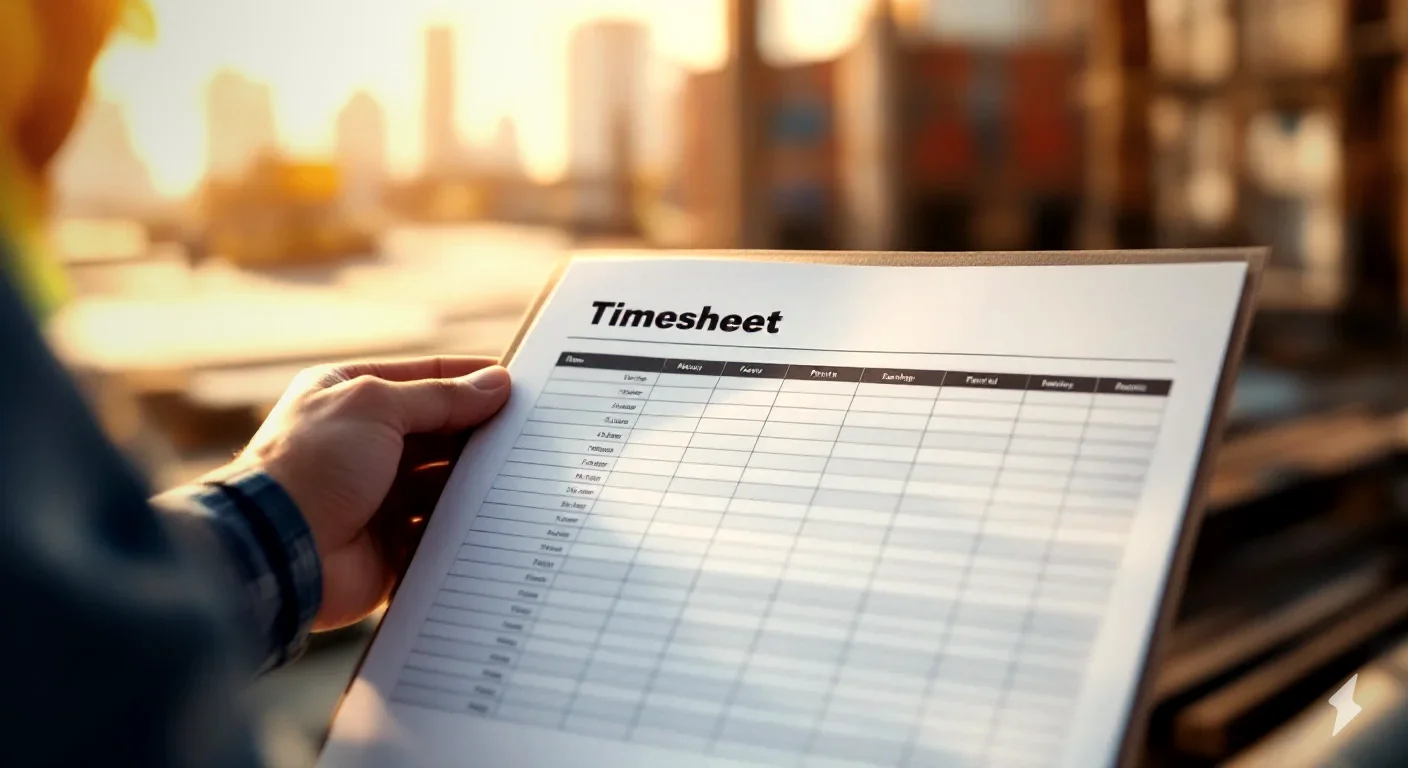
A construction timesheet template is a weekly form that records each worker’s clock in/out, lunch, regular hours, overtime hours, and which job the time went to. Contractors use it to run payroll correctly, stay compliant with overtime law, and compare actual labor hours against the hours they bid. The best timesheets track time by job, not just by week, so you can cost each project and sharpen your next estimate.
Download the free printable timesheet template (fill it in, then print or save as PDF).
Why Hours Are Really Estimating Data
Most contractors treat a timesheet as a payroll chore. That’s half of it. The bigger value is the feedback loop.
When you bid a job, you guess the labor hours. Forty hours of framing. Sixteen hours of trim. If you never write down what it actually took, you bid the next one off the same guess, and the guess never gets better. Track the real hours and you find out a bathroom you keep bidding at 60 hours actually runs 75. That’s a 25 percent labor miss, every time, until you measure it.
A timesheet tied to a job is the cheapest production-rate database you’ll ever build. After a dozen jobs you stop guessing and start pricing off your own numbers.
What Goes on a Construction Timesheet
A good one stays simple enough that a tired crew will actually fill it out. Here’s the field list:
- Employee name and trade: who, and at what rate they bill.
- Week ending date: most contractors run a Sunday-to-Saturday or Monday-to-Sunday week.
- Job or task per day: the line that turns payroll into job-costing. Always note which job the hours went to.
- Time in and time out: actual clock times, not rounded guesses.
- Lunch and breaks: unpaid time comes out here.
- Regular hours: capped at 40 in a week for overtime purposes.
- Overtime hours: anything over 40, paid at 1.5x under federal law.
- Daily and weekly totals: the numbers payroll and job-costing both pull from.
- Signatures: employee and supervisor. This protects you in a wage dispute.
That last one matters more than it looks. A signed timesheet is your record if a worker later claims unpaid hours.
Paper, Spreadsheet, or App: What to Use
There’s no single right answer. It depends on crew size and how much you hate paperwork.
| Method | Best for | Trade-off |
|---|---|---|
| Printed template | 1-3 person crews, simple jobs | Manual entry, easy to lose a sheet |
| Spreadsheet | Office-based tracking, basic job-costing | Crew has to report hours to you |
| Time-tracking app | Larger crews, multiple job sites | Monthly cost, learning curve |
| Estimating software | Tying hours back to bids and invoices | Best when you also estimate and invoice in one place |
Start with the printed sheet if you’re tracking by hand today. It beats memory every time. Move up when the crew grows.
Worked Example 1: One Carpenter’s Week With Overtime
Say a carpenter works 45 hours on a deck build. Federal law (FLSA) requires overtime at 1.5x for anything past 40 in a week.
| Line | Hours | Rate | Pay |
|---|---|---|---|
| Regular | 40 | $30/hr | $1,200 |
| Overtime | 5 | $45/hr (1.5x) | $225 |
| Gross weekly pay | 45 | $1,425 |
Carpenter wages run $20 to $45 an hour depending on your market, with $30 a fair mid-point (BLS 2024 carpenter wage data). The overtime piece is where contractors trip up. Those 5 hours cost you $225, not $150. Run the math with the overtime pay calculator so you never shortchange a worker or your own job cost.
Worked Example 2: Costing a Crew Week Against Your Bid
Now the part that makes you money. You bid a small remodel at 110 labor hours. Here’s the actual week, pulled from the timesheets.
| Worker | Hours | Rate | Base cost |
|---|---|---|---|
| Carpenter | 40 | $30/hr | $1,200 |
| Laborer 1 | 40 | $22/hr | $880 |
| Laborer 2 | 40 | $22/hr | $880 |
| Subtotal | 120 | $2,960 | |
| Labor burden | 30% | $888 | |
| Total labor | $3,848 |
Two things jump out. First, you bid 110 hours and the crew logged 120. That’s a 9 percent overage you’d never have caught without the timesheet. Second, the labor burden line. Your true labor cost isn’t the wage. Add 25 to 40 percent for payroll taxes, workers comp, and insurance (NAHB builder cost benchmarks and my own field experience), and the real number climbs fast. The burdened labor rate calculator and the labor cost calculator handle that math so your bids reflect what crews actually cost.
Regional pricing disclaimer: prices vary by region, and these are national-range figures as of 2026. Labor in Seattle or the Northeast runs well above these numbers, and rural markets run below. Check with local suppliers and use your own crew’s current rates over any table.
Mistakes That Bleed Your Margin
- Tracking by week, not by job. Weekly totals run payroll but tell you nothing about which job lost money. Always log the task.
- Rounding hours generously. “Call it 8” five days a week adds up. Record real clock times.
- Ignoring labor burden. The wage is not the cost. Skip the 30 percent burden and every bid is short.
- Botching overtime. Anything past 40 hours is 1.5x under federal law. Miscount it and you face back-pay claims.
- No signatures. An unsigned sheet won’t protect you if a worker disputes their hours later.
FAQ
What should a construction timesheet include? At minimum: employee name, week ending date, the job or task per day, time in and out, lunch, regular and overtime hours, daily and weekly totals, and a signature line for the worker and supervisor. Tracking the job per day is what lets you cost each project instead of just running payroll. The free template above covers every field.
How do contractors track labor hours for job costing? They log hours against a specific job, then compare the total against the hours they bid. If you bid 110 hours and the crew logs 120, that overage tells you to price the next similar job higher. Pair the tracked hours with the labor cost calculator to turn raw hours into a true burdened cost.
How is overtime calculated for construction workers? Under the federal FLSA, hours over 40 in a workweek are paid at 1.5 times the regular rate. A $30/hr carpenter earns $45/hr for overtime. Some states add daily overtime rules on top of the federal weekly rule, so check your state.
Do I have to keep employee timesheets? Yes. Federal law requires employers to keep accurate records of hours worked and wages paid, generally for at least two to three years. A signed timesheet is your documentation if a wage claim ever comes up.
What’s the difference between a timesheet and a time-tracking app? A timesheet is the record itself, paper or digital. A time-tracking app automates collecting that record, often with GPS clock-in and direct payroll export. For a small crew, a printed sheet works fine. For multiple sites and a bigger crew, an app saves real time.
Turn Hours Into Better Bids
The printed template above works for any crew. Print it, hand it out, collect it Friday. But if you’re hand-keying timesheets into a spreadsheet and still guessing at labor hours when you bid, you’re doing the same work twice and learning nothing from it.
Contractors using EstimationPro report cutting estimate time from hours to minutes by pricing off real numbers instead of gut feel. EstimationPro turns your photos, notes, and a voice walkthrough into an itemized estimate, then sends the proposal automatically, follows up with the homeowner so you win more of the bids you already send, and invoices when the job’s done. Estimate, proposal, follow-up, invoice, paid. Try EstimationPro free and stop leaving labor on the table.
Sample Weekly Crew Labor Cost
Get Free Estimating Tips
Enter your email and we'll send you pro tips, cost data, and useful resources for contractors.
We'll send helpful resources and occasional tips. Unsubscribe anytime.
 EstimationPro AI For Contractors, By Contractors
 Create Detailed Estimates in Minutes, Not Hours
Upload photos, record voice notes, and get AI-powered estimates with line items, material lists, and regional pricing.